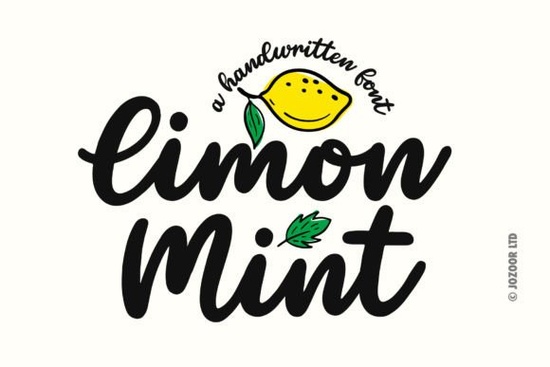
If you’ve been searching for a handwritten script font that feels effortlessly fresh and full of personality, Limon Mint Font might be exactly what your next project needs. It’s the kind of typeface that works just as well on a boutique coffee shop menu as it does on a summer wedding invitation or a trendy tote bag design. The strokes are smooth, the spacing feels natural, and there’s a playful elegance to it that doesn’t overwhelm your layout.
What makes this font especially handy is how well it pairs with other styles. You don’t need to force-match it it just fits. Whether you’re layering text over photos, designing social media graphics, or creating printable wall art, Limon Mint brings a breezy, modern vibe without looking overly stylized. And yes it even comes with free doodles clipart you can drop right into your designs. Think little leaves, swirls, and flourishes that complement the letterforms without stealing the show.
Who should use Limon Mint Font?
If you run a small business and handle your own branding materials, this font gives you a polished yet approachable look perfect for logos, packaging, or Instagram story templates. Print-on-demand sellers will love how cleanly it scales across mugs, shirts, and stickers. Crafters using Cricut or Silhouette machines? The clean outlines make cutting a breeze. And if you’re just someone who enjoys making birthday cards or digital planners for fun, Limon Mint adds charm without complexity.
It’s also worth noting how well it plays with other script fonts in your library. If you already use Moretimes for bold headlines or Pinky for ultra-feminine accents, Limon Mint slots right in as your go-to for body text or secondary messaging. Try pairing it with Amelline for contrast in weight, or let it stand alone when you want something light and airy.
How do the included doodles actually help?
The bonus clipart isn’t an afterthought it’s designed to extend the font’s personality. You’ll find hand-drawn elements like citrus slices, mint sprigs (naturally), and abstract swirls that echo the curves in the letters. These aren’t locked into rigid grids, so you can rotate, resize, or recolor them to match your palette. Use them to frame quotes, decorate corners, or break up sections in a digital journal layout.
For crafters, these doodles save time. Instead of hunting for matching illustrations, you’ve got a cohesive set ready to go. For designers building client mockups, they add polish without licensing headaches. And because they’re vector-based, you won’t lose quality when scaling up for banners or down for app icons.
What file formats come with the download?
You’ll get OTF, TTF, and WOFF files so whether you’re working in Adobe Illustrator, Canva, Procreate, or even WordPress, installation is straightforward. No weird converters or missing glyphs. Every character includes standard punctuation, numerals, and multilingual support for Western European languages. Ligatures are built in too, which means common letter pairs like “th” or “st” connect smoothly without manual tweaking.
If you’ve ever struggled with script fonts that feel stiff or robotic, give Limon Mint Font a try. It behaves more like real handwriting fluid but legible, stylish but not distracting.
Any tips for getting the most out of this font?
- Use generous tracking. Don’t cram the letters together. A little breathing room lets the natural flow shine.
- Stick to short phrases. While readable, it’s still a script best for headlines, quotes, or accent text rather than long paragraphs.
- Layer with sans-serifs. Pair it with clean fonts like Jelly Cat or Mighty Sunday for balance. Scripts + minimal sans = magic.
- Play with color gradients. The smooth curves respond beautifully to soft fades or duotones great for social media posts.
One last thing: if you’re sourcing fonts for commercial projects, always double-check the license. Limon Mint includes a commercial license, so you’re covered for client work, POD platforms, and physical products. Just avoid redistributing the font files themselves.
Ready to try it?
Before you commit, test how it looks with your brand colors or your most-used design tool. Many users report that Limon Mint renders especially well in pastels, earth tones, or monochrome schemes. If you’re already browsing Creative Fabrica, take five minutes to preview it alongside fonts you already own sometimes the best combos are the ones you didn’t plan.
Quick checklist before downloading:
- Confirm your software supports OTF/TTF (most do).
- Check if you need webfont versions (WOFF included).
- Save the doodles folder separately you’ll want to reuse those.
- Bookmark the product page for future updates or alternate weights.
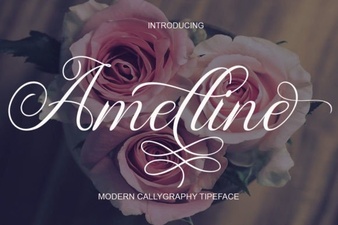 Amelline Font: Elegance for Creative Projects
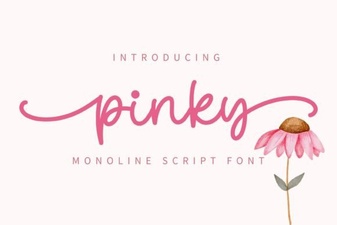 Create Designs with Pinky Font
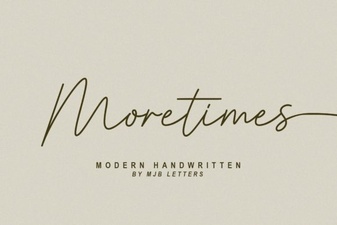 Moretimes Font for Creative Design Projects
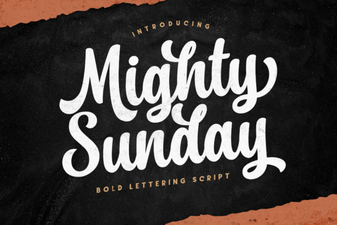 Design Your Sunday with the Mighty Font
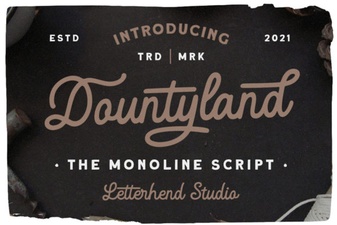 Dountyland Font: Creative Designs & Usage Guide
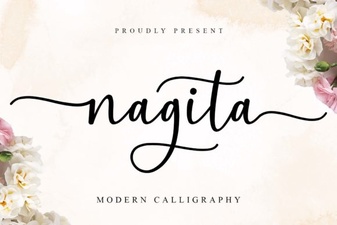 Nagita Font Design: Projects & Creative Ideas